
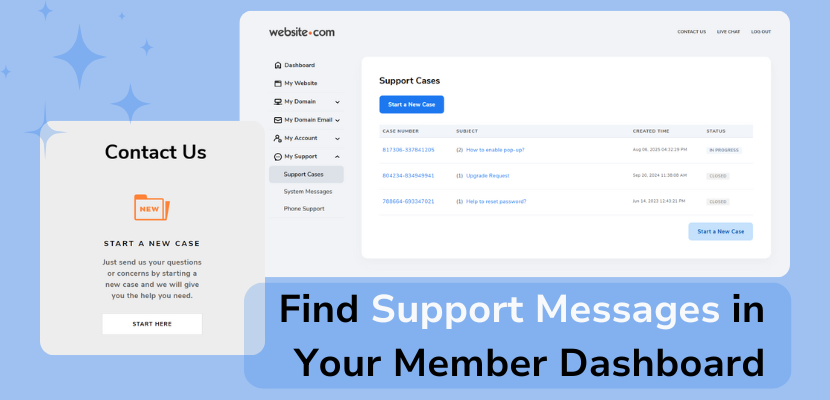
Want to see all of your past and current support case threads? You can view them all in your Member Dashboard!
1)Just log into your Website.com account, and in your Member Dashboard, click “My Support” > “Support Cases” on the left.
2)You can now see all of your support cases, including your messages and the replies from the Website.com Support Team. You can reply directly to a thread by clicking into a case and clicking Reply at the bottom.
You will be able to see your support cases in the Member Dashboard if 1)you submitted a support request while logged into your account, or 2)you submitted a support request and had input your domain name when you started the support case.
If you are unable to see a specific support case in your Member Dashboard, that could indicate that your support request had not been sent, or you had misspelled your domain name when starting the support case.
If that happened, not to worry – feel free to send another support request!